
Migrating from Smile.io
To migrate your loyalty members from another Shopify app such as Smile to our app, you'll need a CSV export of your data. Many providers, including Smile, offer straightforward options for exporting customer data. You can find Smile's export instructions here. Additionally, we've detailed the necessary steps below:
1. Access the Smile dashboard and go to the customers page.
2. Click on the Export Customers button. Smile will send a CSV file of your customers to your email within a few minutes.
3. Then, go to the CSV Import page on your Poinz Loyalty dashboard.
4. Click Select a CSV file to import and upload your Smile CSV file.
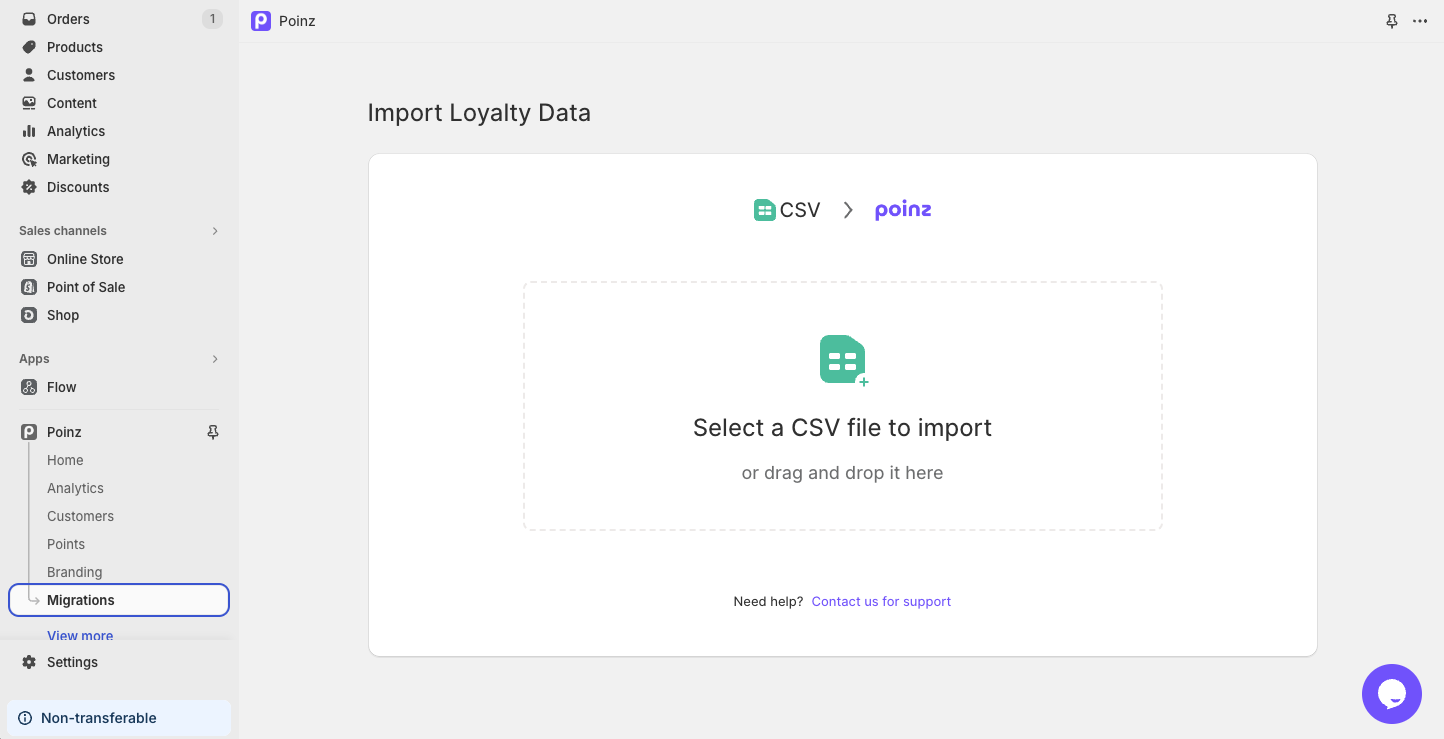
The import process will commence immediately, and you should soon see your customers, along with their points balances on the Customers page. If you encounter any issues or need assistance, feel free to initiate a chat with our support team for seamless help!